
If your Indoor LED Video Wall is flickering, blinking or showing visuals it can affect the experience of your customers, your brand image and how well your event does. LED flickering is a problem but the good news is that in most cases it can be fixed quickly.
In this guide we will explain why Indoor LED Video Wall flickers, what the common technical causes are and what solutions you can use. We will also tell you how to prevent issues.
What is LED Video Wall Flickering?
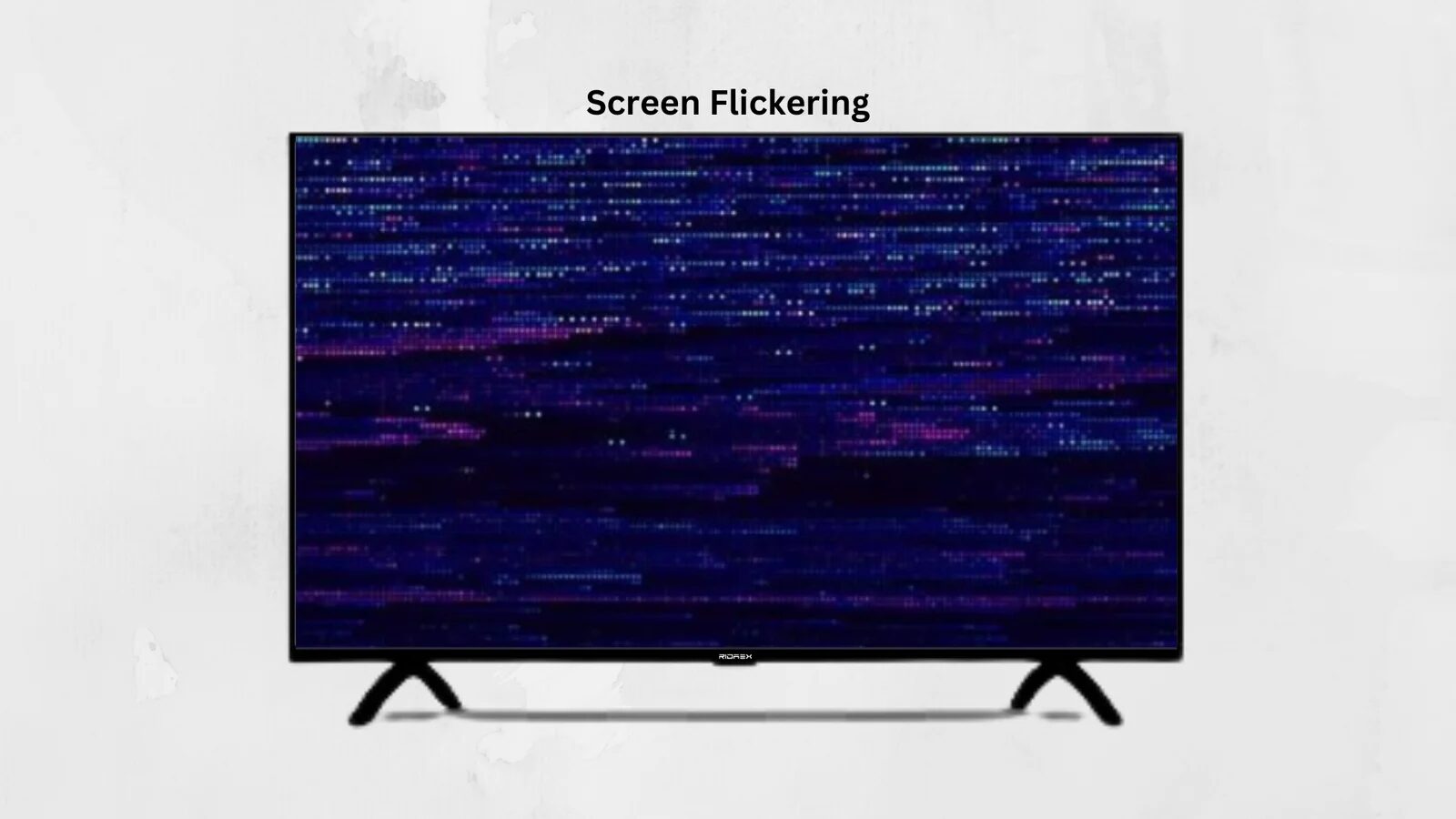
It happens when the screen blinks repeatedly the brightness fluctuates or horizontal lines appear. You might also notice a flashing effect when you record the screen with a camera. At first it might seem like an issue but it can indicate deeper technical problems with your Indoor LED Video Wall.
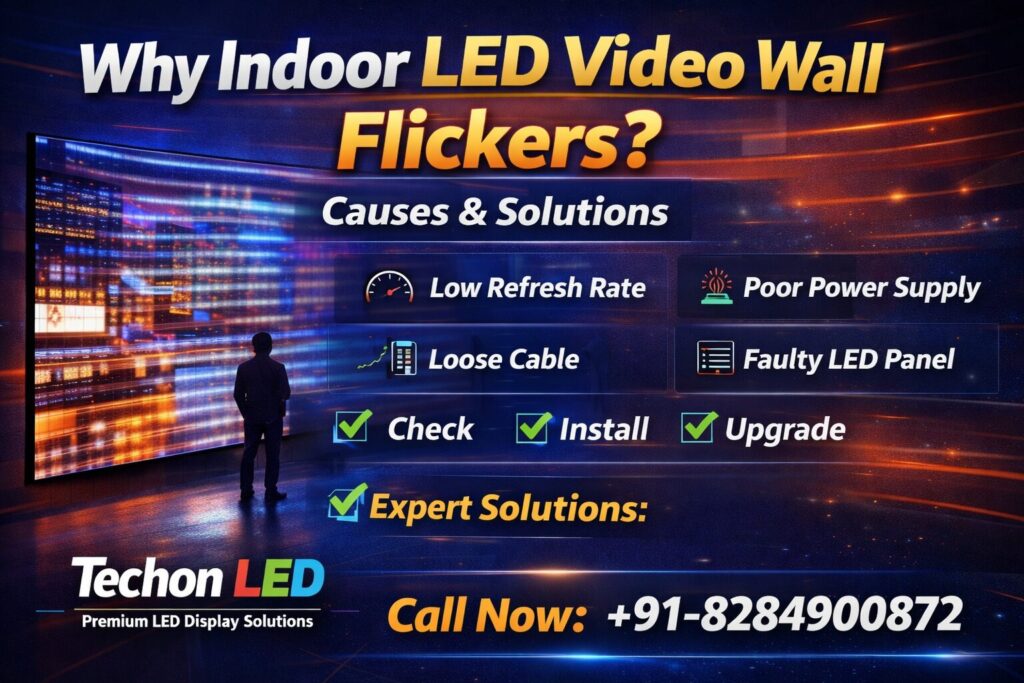
The main causes of Indoor LED Video Wall flickering are:
- Low Refresh Rate. One of the common reasons for this is a low refresh rate. If you have a low-quality panel it might be 1920Hz but professional panels are usually 3840Hz or higher. A low refresh rate can cause flicker in camera recordings and unstable visuals during live events.
To solve this problem you should choose Indoor LED Video Wall panels with a refresh rate of 3840Hz for indoor applications.
- Poor Quality Power Supply. If the voltage is unstable or you have a low-grade power supply it can cause blinking, brightness fluctuation or the panel might shut off temporarily.
To solve this problem you should use branded power supplies install a voltage stabilizer and make sure the wiring and earthing are correct.
- Loose Data. Signal Issue. If the cables are loose the screen might show blinking display signal loss or partial panel flicker.
To solve this problem you should check all the cables secure the connections properly and replace any damaged cables.
- Faulty Receiving Card. Each Indoor LED Video Wall cabinet has a receiving card. If one fails only a section of the screen might flicker or the image might become distorted.
To solve this problem you should replace the receiving card, which is a cost-effective repair.
- Incorrect LED Processor Settings. If the video processor is not configured correctly it can cause refresh mismatch, frame drop or signal instability.
To solve this problem you should reset the processor settings match the resolution correctly and update the firmware if required.
- Grounding Problem. If the earthing is not done properly it can cause flickering, panel damage or even safety hazards.
To solve this problem you should ensure that the installation is done professionally with a grounding system.
- Low-Quality LED Modules. If you have imported modules they might cause dead pixels, flicker over time or uneven brightness.
To solve this problem you should choose a manufacturer that uses premium Indoor LED Video Wall modules.
Before you call a technician you can check a things:
- Is the power supply stable?
- Are the cables connected properly?
- Is the refresh rate 3840Hz?
- Is the processor configured correctly?
- Is the grounding done properly?
If the problem persists you should contact your Indoor LED Video Wall supplier.
To prevent Indoor LED Video Wall flickering you can do a things:
- Buy High Refresh Rate Panels. This is essential for showrooms, events and video recording.
- Choose Premium Power Supply. A cheap power supply can cause long-term instability.
- Proper Installation by Experts. Improper wiring is a reason for flicker.
- Regular Maintenance. Quarterly inspection can reduce issues.
Why Choosing the Right Manufacturer Matters. Many flickering problems arise due to low-cost Indoor LED Video Walls. A professional manufacturer ensures refresh rate panels, premium drivers, quality power supply, proper installation support and warranty protection.
Techon LED, a unit of AB Sales has delivered 6000+ Indoor LED Video Wall installations across India with configuration and long-term stability. Their Indoor LED Video Walls use 3840Hz refresh rate, premium die-cast cabinets, quality power supply and proper configuration support, which significantly reduces issues.
FAQs – Indoor LED Video Wall Flickering
- Why does my Indoor LED Video Wall flicker on camera?
Because of refresh rate. You can upgrade the panel. Adjust the camera shutter speed.
- Can power supply cause Indoor LED Video Wall flickering?
Yes unstable voltage or low-quality power supply is a reason.
- Is Indoor LED Video Wall flickering dangerous?
If it is caused by grounding issues yes. It can damage panels. Pose safety risks.
- How much does it cost to fix Indoor LED Video Wall flickering?
It depends on the cause. A cable issue is minor receiving card replacement is moderate and module replacement is higher.
- How to permanently stop Indoor LED Video Wall flicker?
Use refresh panels, proper grounding, stable power supply and professional installation.
In conclusion Indoor LED Video Wall flickering is usually caused by configuration, low-quality components or power issues. The problem is solvable. Prevention is always better, than repair. If you are planning to buy an Indoor LED Video Wall, invest in quality instead of the cheapest option.
Need Expert Help?
If you are facing an Indoor LED Video Wall flickering issue or planning an installation contact Techon LED for free consultation, technical troubleshooting, high refresh rate Indoor LED Video Wall panels and professional installation.
Call / WhatsApp: +91-8284900872
Website: www.leddisplayboards.in
Avoid flicker choose professional Indoor LED Video Wall solutions.